
MQT_TodaysDailyRange tracks the current day's high, low, and total range inside a user‑defined trading window. It supports overnight sessions, real‑time tick updates, smart label placement, and optional window shading.
Back to IndicatorsMeasure daily range only during selected session hours.
Correct session anchoring across midnight.
High and low update on every tick.
Displays both price range and tick distance.
Prevents labels from overlapping candles.
Visual session window with adjustable opacity.
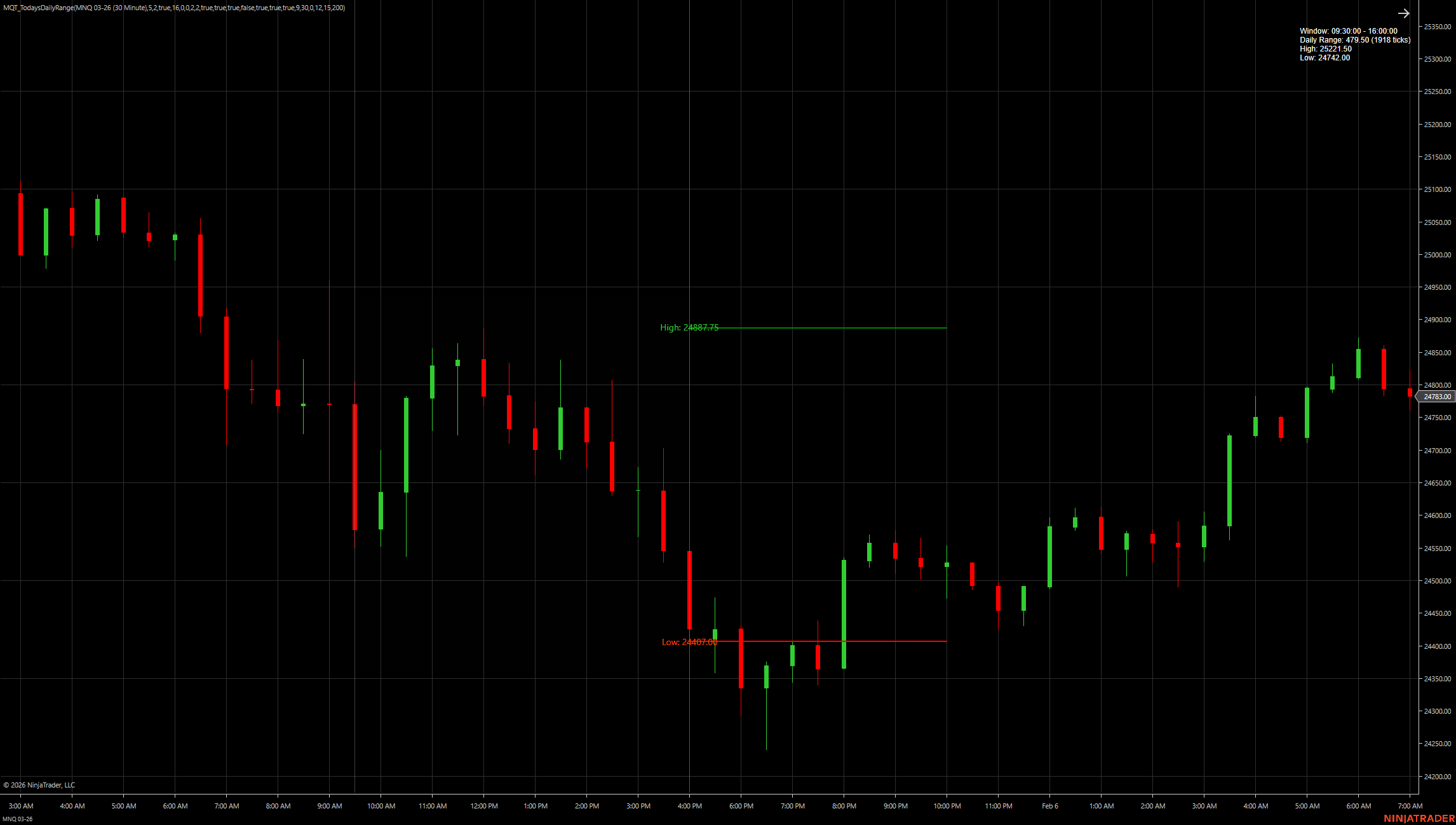
High and low tracked inside the active session
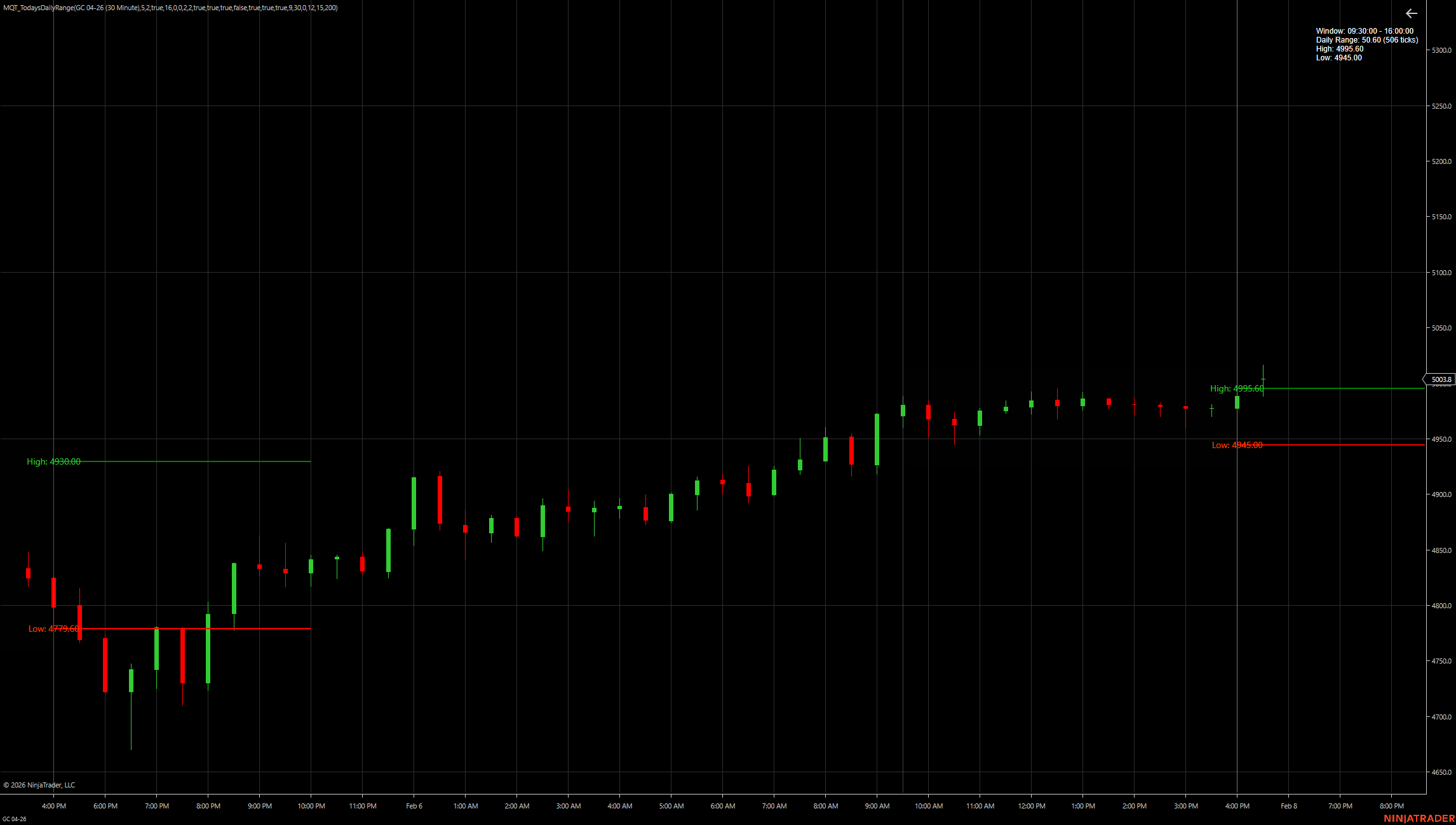
Range, labels, and session boundaries
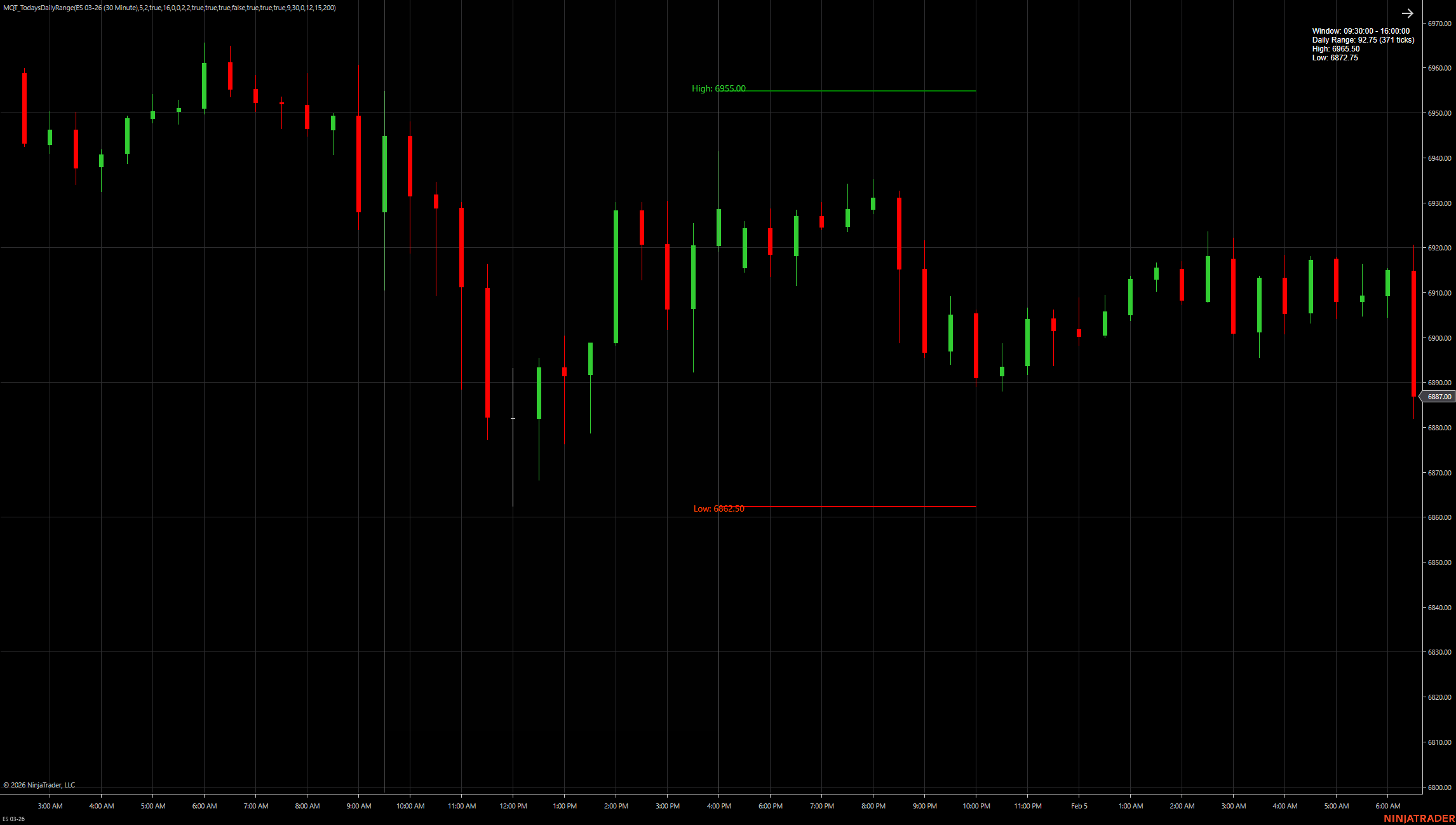
Correct handling of overnight trading windows
Choose start and end times for the range.
Automatically determines correct session date.
Updates high and low inside the window.
Draws lines, labels, and shaded window.
| Setting | Type | Typical Values | Description |
|---|---|---|---|
| Window Start Time | Time | HH:MM (e.g., 09:30) | Defines the beginning of the daily range measurement window. |
| Window End Time | Time | HH:MM (e.g., 16:00) | Defines the end of the daily range measurement window. |
| Overnight Session Mode | Boolean | On / Off | Enables correct session anchoring when the window crosses midnight. |
| Show High Line | Boolean | On / Off | Displays a horizontal line at the session high. |
| Show Low Line | Boolean | On / Off | Displays a horizontal line at the session low. |
| Show Range Labels | Boolean | On / Off | Displays text labels showing price range and tick distance. |
| Label Collision Avoidance | Boolean | On / Off | Automatically adjusts label placement to prevent overlap with price bars. |
| Show Window Shading | Boolean | On / Off | Adds a semi‑transparent background to visually highlight the active time window. |
| Shading Opacity | Numeric | 10–50% | Controls the transparency level of the window shading. |
| Line Style / Width | Style | Solid / Dashed / Dotted | Customizes the appearance of high and low lines. |
| Color Settings | Style | Default / Custom | Controls colors for high line, low line, labels, and shading. |
Note: The exact parameter names and defaults depend on your current build. If you paste the indicator's NinjaTrader property section (or C# code), I can convert this into exact names + default values (matching your code 1:1).
Standard indicators measure the entire trading day. This indicator lets you define a custom time window (e.g., 9:30–16:00) and only tracks the high/low inside that window.
Yes—enable Overnight Session Mode to correctly anchor the window when it crosses midnight. This is essential for instruments like ES or NQ with extended hours.
Yes—the indicator uses OnEachTick calculation, so the high and low lines update continuously as new ticks arrive during the active window.
It automatically repositions labels to prevent them from overlapping with price bars, keeping your chart clean and readable.
Yes—it works on any intraday timeframe. The window is time‑based, not bar‑based, so it will correctly track the high/low regardless of your chart's bar interval.
The high and low will update as new extremes are reached during the live session. Once the window closes, those values are fixed for that day.
It provides a visual reference for the active measurement window, making it easier to see exactly when the indicator is tracking the high/low.
Yes—when labels are enabled, the indicator shows both the price range (e.g., 50.00) and the tick distance (e.g., 200 ticks) for quick reference.